Everything Inspectir does, in plain words.
Inspectir shows which companies your iPhone or iPad talks to, what kind of data reached them, and lets you cut any of them off with one switch. It names the owner behind each connection from a catalogue of 5,000+ companies, and it all happens on the phone.
Who your apps talk to
See every company your phone reaches, by name.
With protection on, each connection is written down on the phone: which company or host, when, how much, and whether it was encrypted.
The catalogue of 5,000+ companies sorts them into advertising, analytics, attribution, the app's own servers and system services.
You learn who your apps report to, not just that they are online.
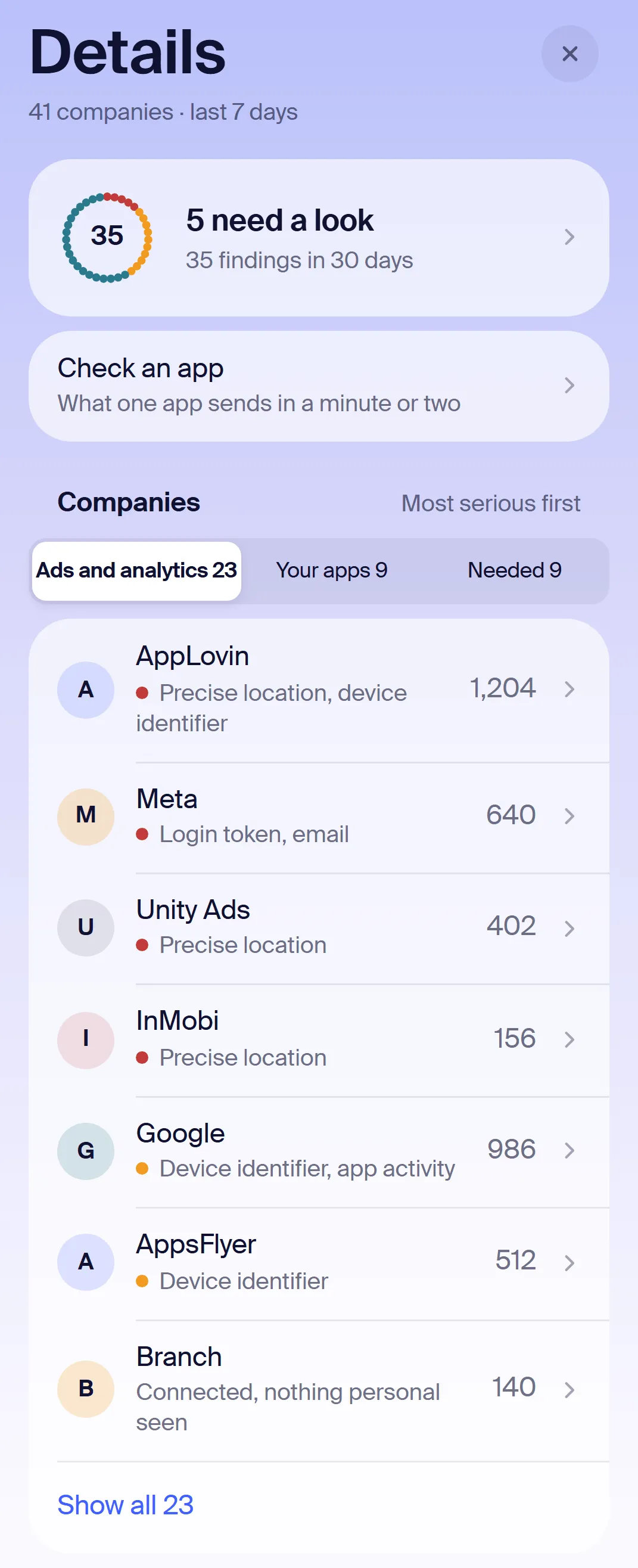
Findings
Read what left your phone, and who got it.
A ring shows the findings of the last 30 days in three levels. A table shows what kind of data left: login tokens, precise location, contacts, photos, email, phone number, a device identifier, rough location or app activity.
It also shows who received it: advertising and analytics companies, the app's own servers, or a company no one has on record. Each finding is explained in plain words, with its list of hosts.
- Critical
- Important
- Informational
You see the few things worth acting on first, not a wall of addresses.
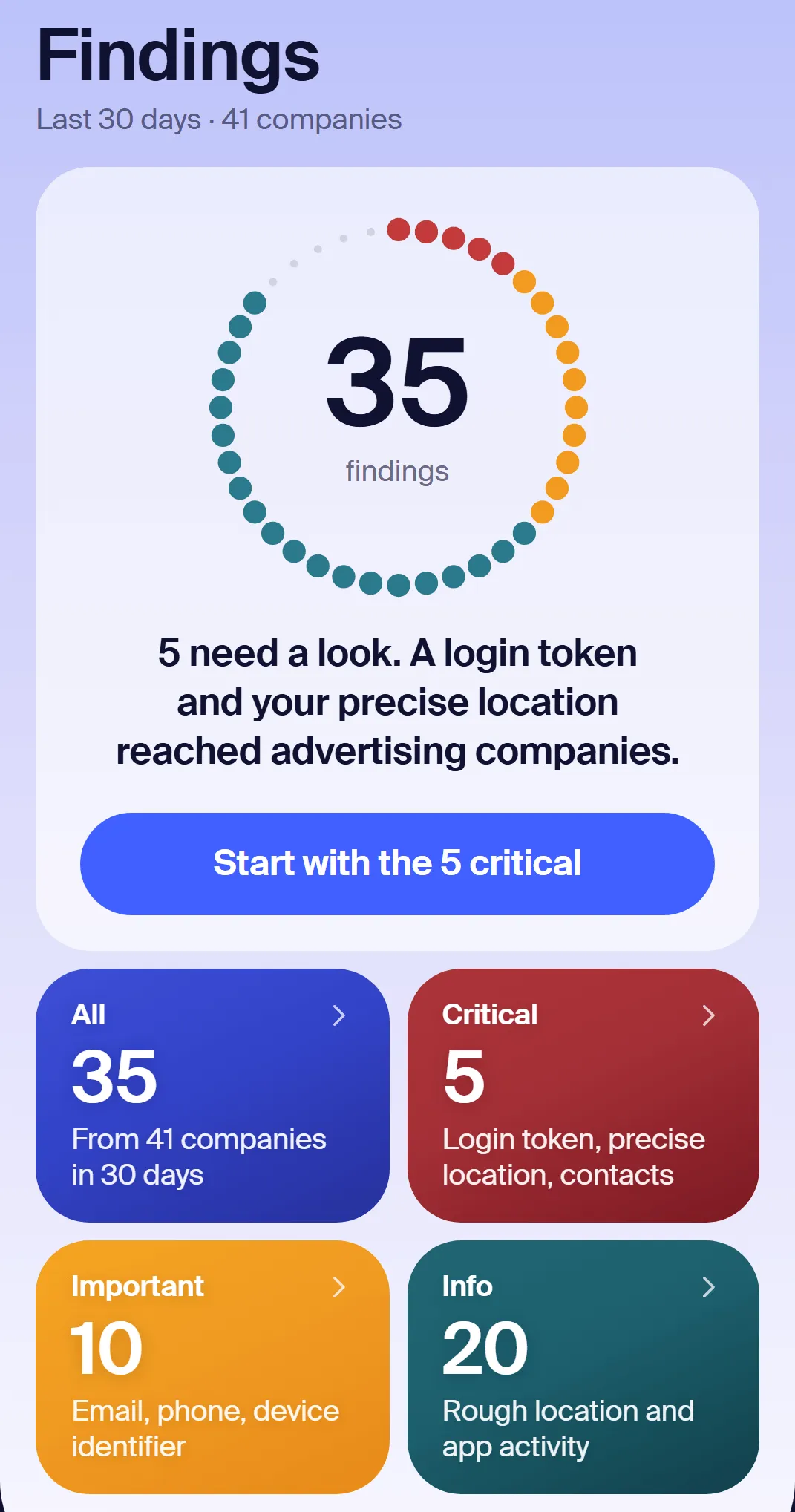
Restrict with one switch
Cut off any company in every app at once.
Restrict a company, a single host, or an IP address. Each restriction goes into a receipt log, and one tap there undoes it.
Meta is six names. Google is hundreds. You restrict the company, not a domain.
The app usually keeps working; only that company stops hearing from it.
When a connection looks like what spyware does
Unusual behaviour goes to the top, with the facts.
Inspectir watches for an unknown address, an unusual port, a large upload while the phone was locked, a first contact, and a beacon-like rhythm. When several happen together, it shows them first with a one-tap restriction.
Inspectir also matches connections against a signed list of published indicators of compromise and names the case on an exact match.
You get the facts to act on, and the switch to act with, in the same place.
Encrypted DNS
The Wi-Fi you join cannot read which sites you look up.
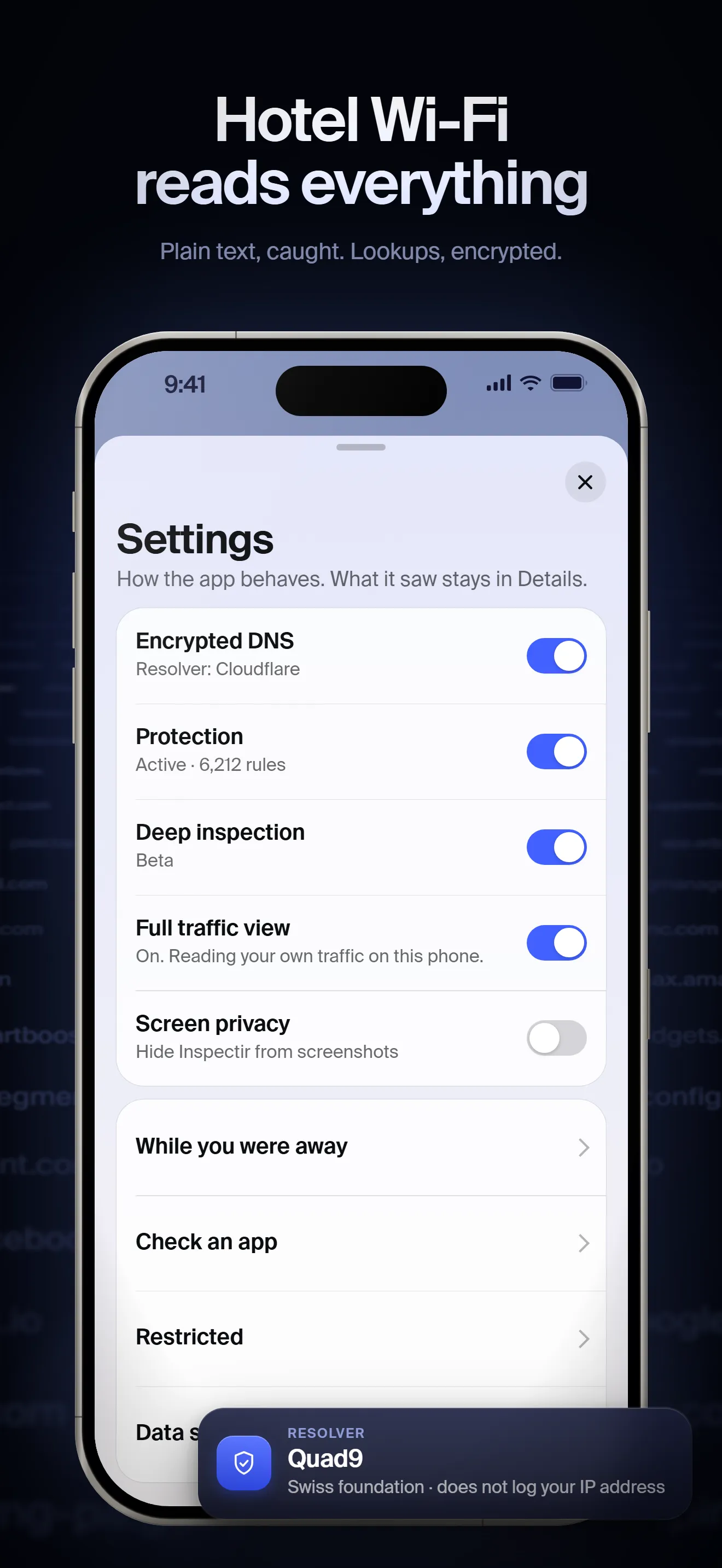
Inspectir encrypts the lookups your phone makes before it opens a site or an app connection. You choose the provider: Cloudflare, Quad9, AdGuard DNS, Cloudflare Family, Mullvad, or your own.
Some providers also turn away harmful sites before they load.
Hotel and café networks stop seeing a list of everywhere you go.
Full traffic view
See what your own apps actually send.
Part of Pro, and only with your consent. After a one-time setup, Inspectir shows what your apps send inside encrypted connections, so findings show real data, not guesses. Some apps, such as banking apps, stay private.
You stop wondering what an app shares and read it yourself, on your phone.
Check a website
Know who hears about a visit before you make it.
Type an address. Inspectir opens the site on the phone and reports which companies were told about the visit, and whether everything was encrypted.
You can judge a site by who it brings along, not by how it looks.
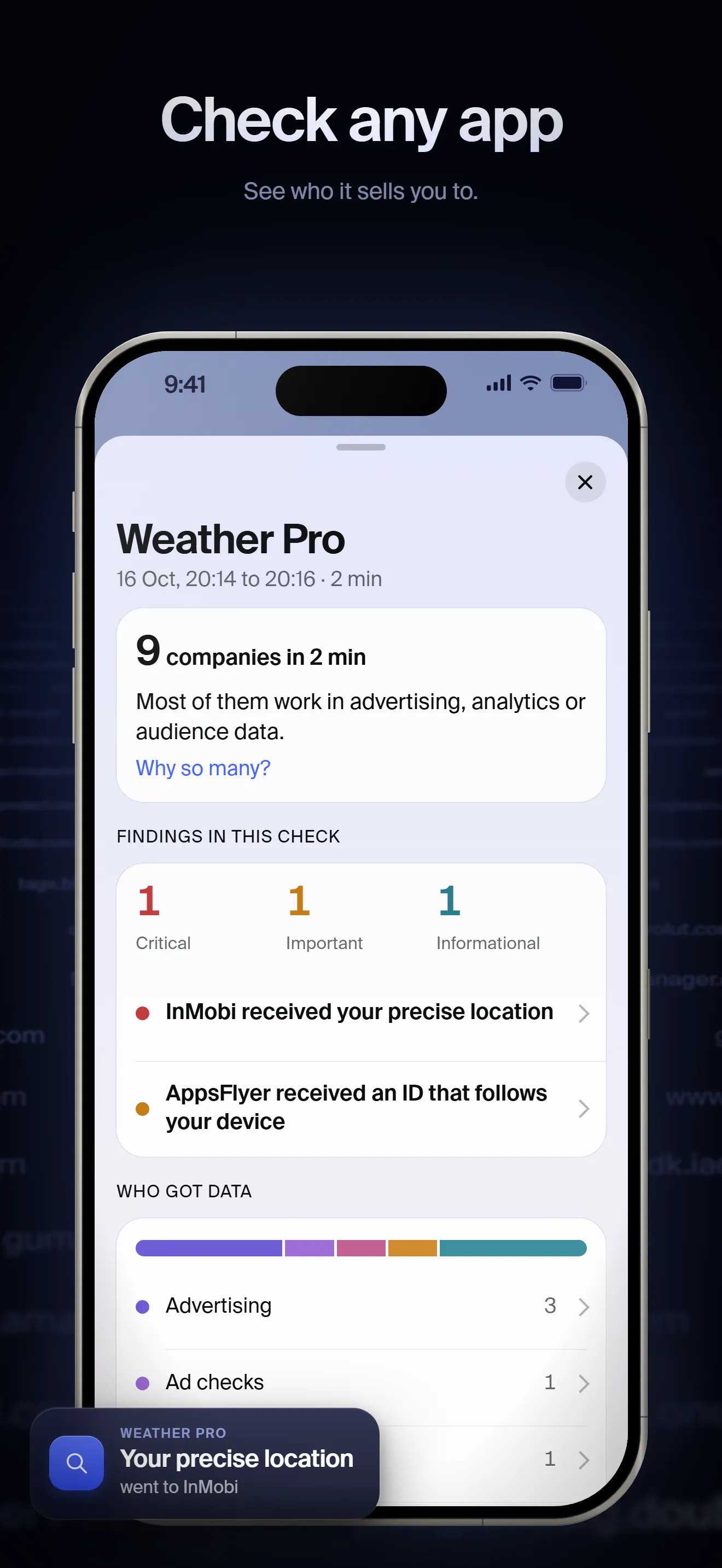
Check an app
See every company one app talks to, in a minute or two.
Start a check, use the app as you normally would, and come back. Inspectir lists each company it reached and what kind of data went to them.
Do it before you trust a new app with your location or your contacts.
Alerts while locked
Know when apps keep talking while the phone sits in a pocket.
Turn on the optional alerts and Inspectir tells you when apps stay busy while the phone is locked, how many connections they made and which companies they reached.
The quiet hours are when you are least likely to notice anything yourself.
While you were away: 23 companies heard from your phone
9 of them you never opened
Ask Siri
Ask a question or restrict a company without opening the app.
These phrases work with Siri and in the Shortcuts app on iOS 16 or later. Say a company's name where the phrase has one.
The answer is one sentence away, even with your hands full.
- "Who is watching me in Inspectir"
- "Who has my location in Inspectir"
- "Show my findings in Inspectir"
- "Restrict [company] in Inspectir"
- "Allow [company] again in Inspectir"
- "Check an app with Inspectir"
- "Check a website with Inspectir"
- "Turn on protection in Inspectir"
- "How many companies today in Inspectir"
Nothing leaves your phone
What Inspectir sees stays on your iPhone or iPad.
- On the phone
- Every check runs on your iPhone or iPad. iOS calls it a VPN; it runs on the phone and sends nothing anywhere.
- No server in between
- Your traffic is not routed through anyone, us included.
- No account
- No sign-up, no email address, and no copy of your traffic anywhere else.
A privacy tool that collected your traffic would be the problem it claims to solve.
- Checked on the phone
- No server in between
- No account, nothing uploaded
Questions
Does Inspectir work on iPad?
Yes. Inspectir works on iPhone, iPad and iPhone Duo, and each device keeps its own history and findings. iPhone Duo gets a layout of its own. A Mac version is on the way.
Which iOS versions does Inspectir need?
iOS 15 or later. The Siri and Shortcuts phrases need iOS 16 or later.
Does Inspectir slow the phone down or drain the battery?
There is a small cost. Checking every connection uses some battery, as anything that works in the background does. You can pause protection any time on the main screen and turn it on again just as quickly.
Does Inspectir block ads?
It restricts advertising and analytics companies across all your apps, so they stop hearing from your phone. It is not a Safari ad blocker and does not hide ads on web pages.
Can I undo a restriction?
Yes. Every restriction goes into the receipt log, and one tap there allows the company again. You can also ask Siri: "Allow [company] again in Inspectir".
What is the difference between Inspectir and a VPN?
A VPN sends your traffic to a server somewhere else, which hides your IP address from the sites you visit. Inspectir sends nothing anywhere. It names the companies your apps talk to and lets you cut them off. iOS calls it a VPN; it runs on the phone and sends nothing anywhere.
Free on the App Store.