See what your iPhone sends, and to whom.
Inspectir names the company behind every connection your apps make and lets you cut any of them off with one switch. Nothing leaves your phone.
Inspectir is an iPhone privacy firewall for people who want to know where their data goes. It names the company behind each connection your apps make, from a catalogue of 5,000+ companies, and lets you restrict any of them. It runs on the phone, with no account and no server in between.
Inspectir in 30 seconds
Thirty seconds on what your iPhone sends, who receives it, and the switch that stops it.
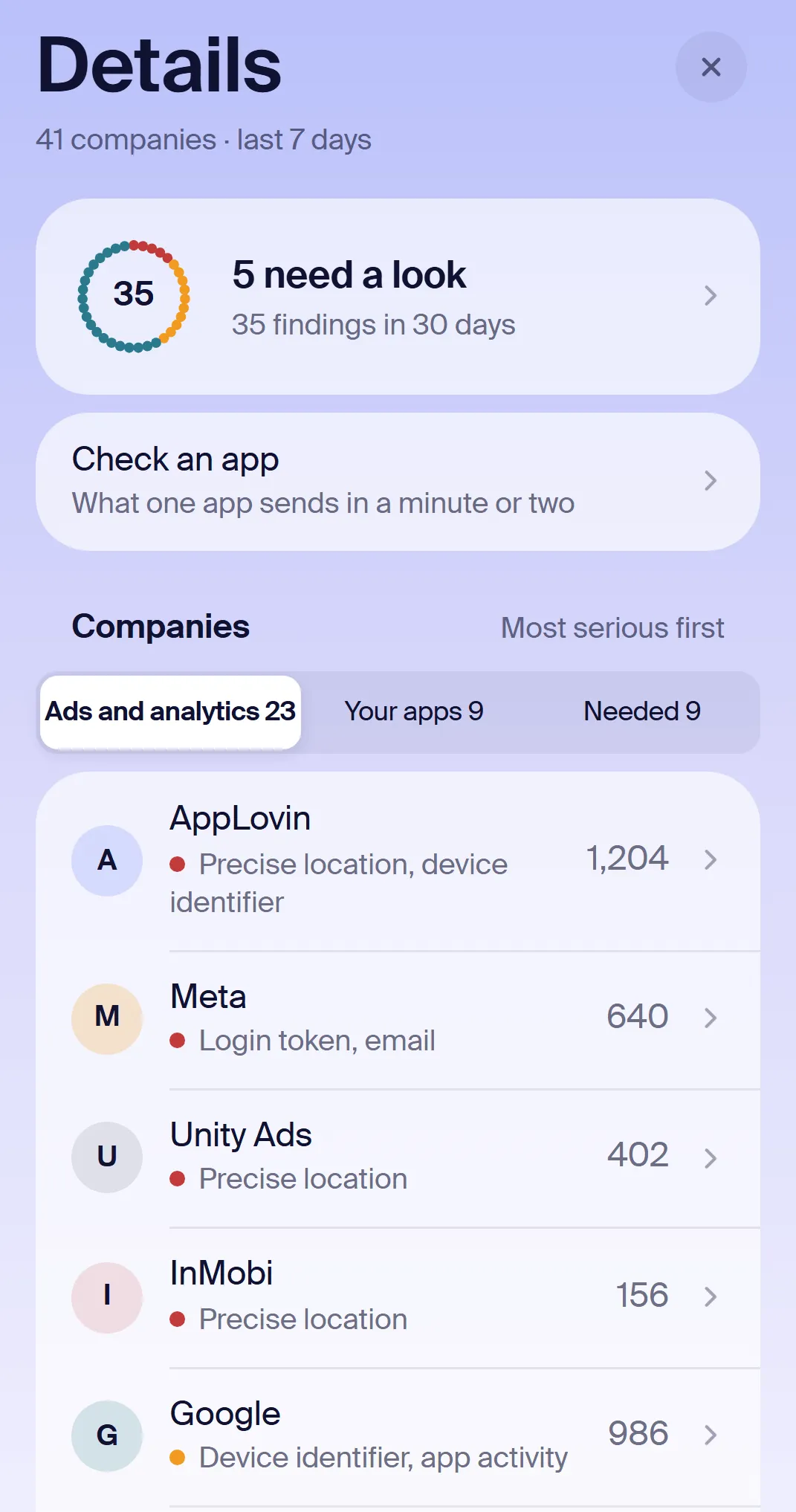
Who your apps talk to
Turn protection on and every connection your phone makes is written down on the phone: which company or host, when, how much, and whether it was encrypted. Each address is traced to the company that owns it, so you read the name of a business, not a string of letters.
You learn who your apps report to, not just that they are online.
Findings in plain words
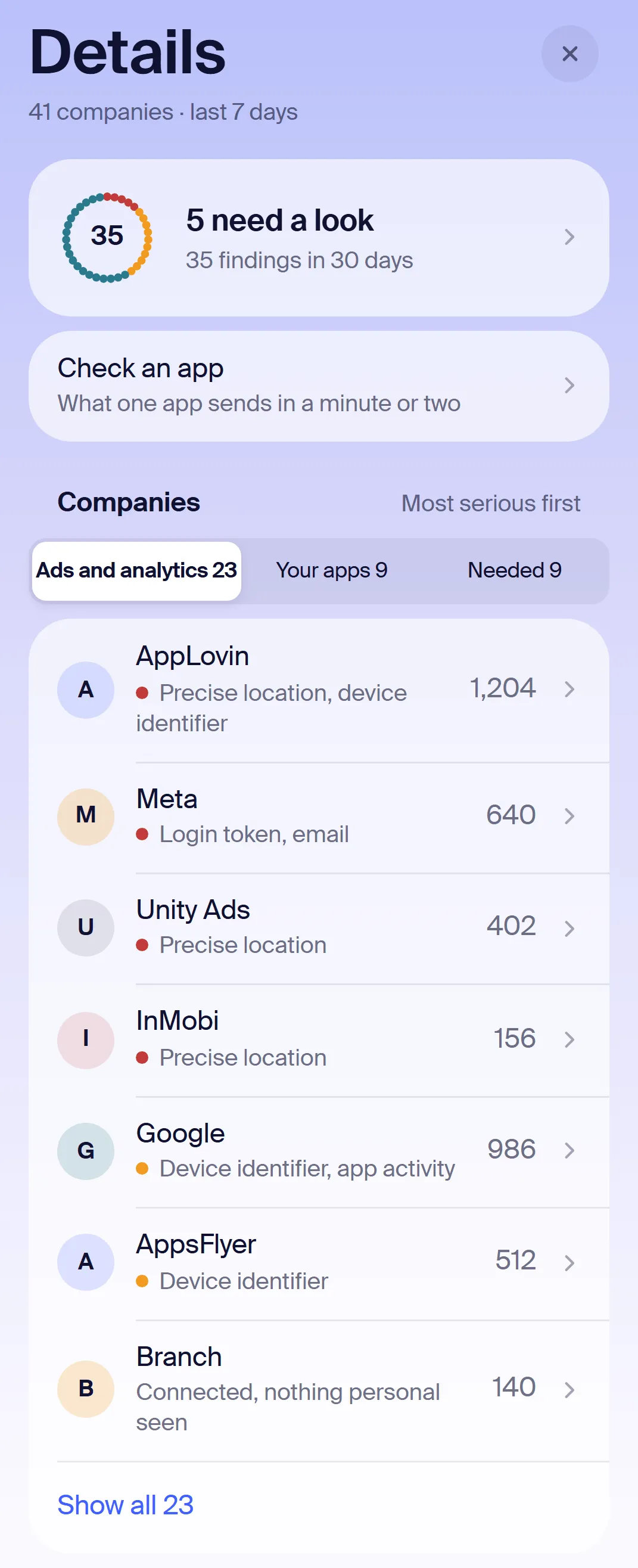
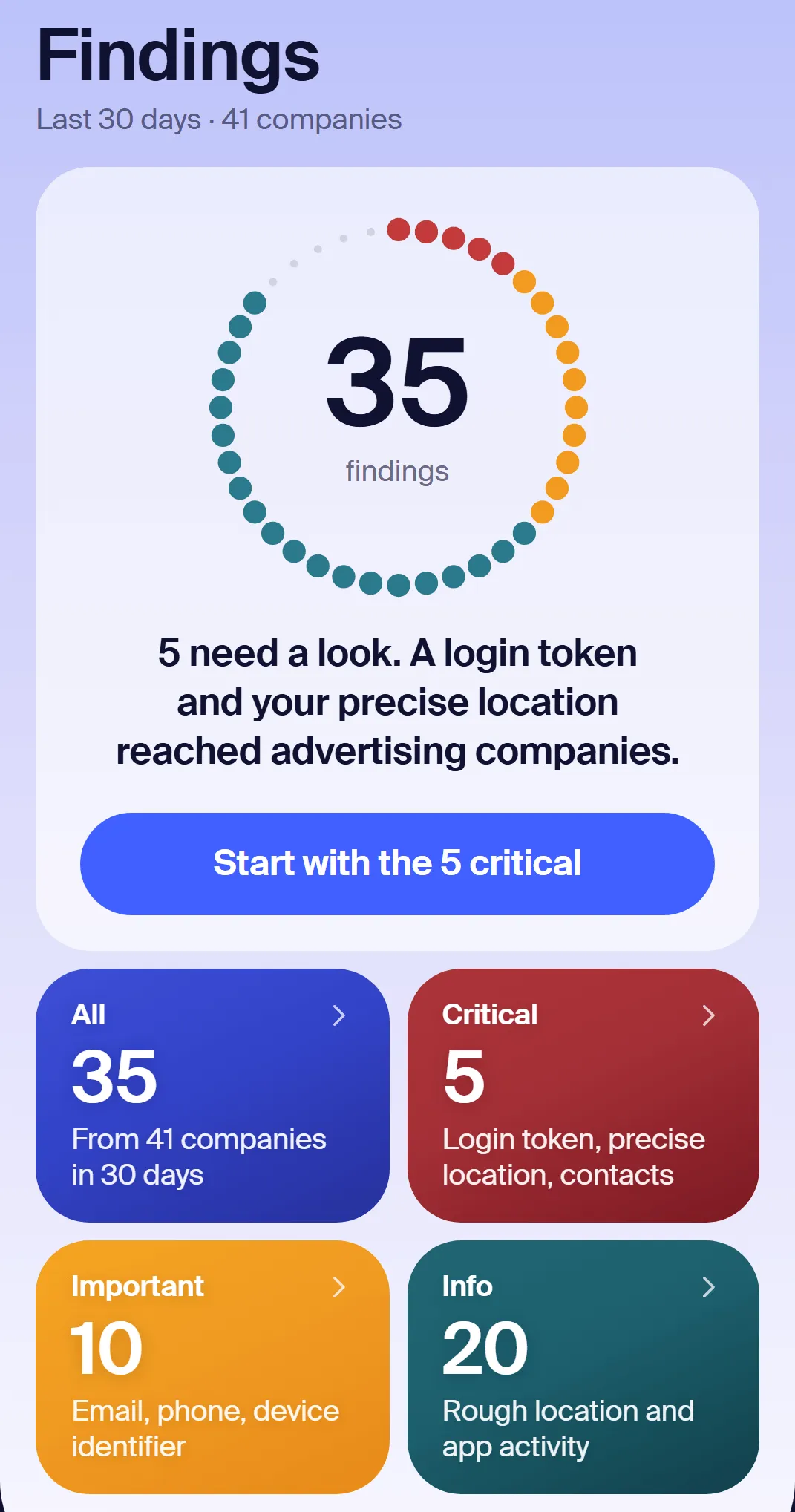
Inspectir turns the list into findings you read once: what kind of data left the phone, and who received it. Each finding names the hosts behind it and carries one of three levels.
- Critical
- Important
- Informational
You see the few things worth acting on first, not a wall of addresses.
One switch turns protection on
Turn protection on and every connection is checked on the device from that moment. Encrypted DNS comes with it, so the network you are on cannot read which sites your phone looks up. You choose the DNS provider.
Hotel and café networks stop seeing a list of everywhere you go.
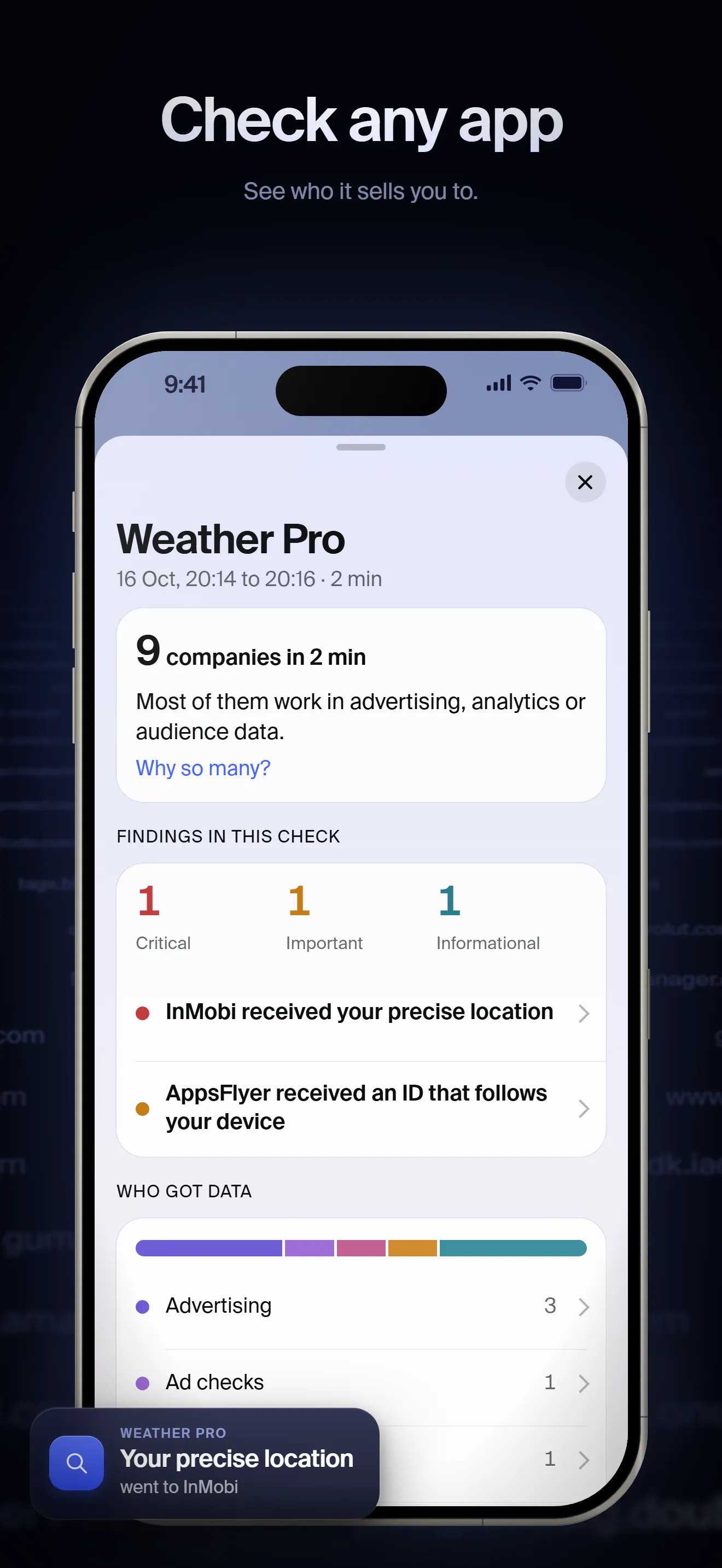
Check an app
Open one app for a minute or two and Inspectir lists every company it talked to in that time, and what kind of data went to each.
Do it before you trust a new app with your location or your contacts.
Restrict with one switch
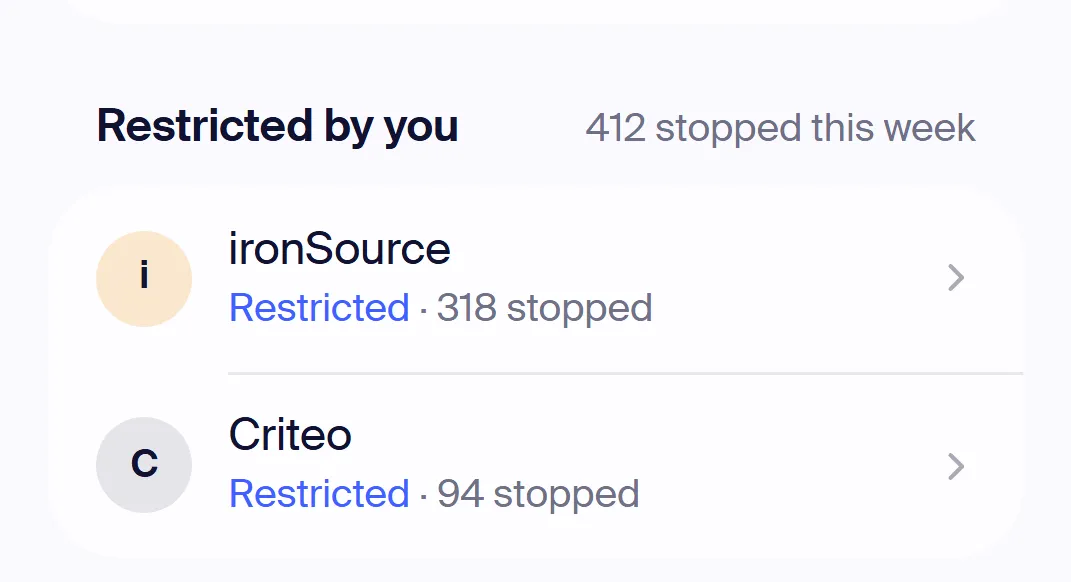
Cut off any company or host with one switch, in every app at once. The app usually keeps working; only that company stops hearing from it. Each restriction goes into a receipt log, so undoing it takes one tap.
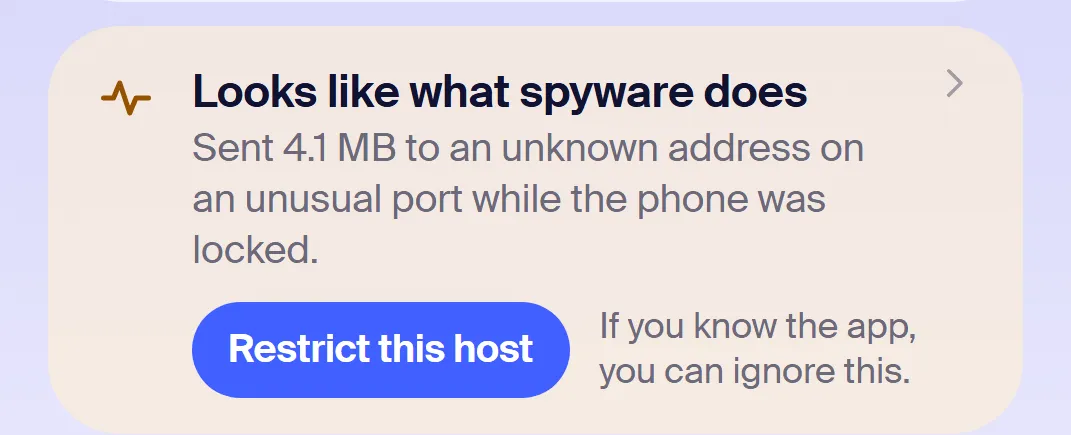
When a connection looks like what spyware does
Some connections deserve a second look: an unknown address, an unusual port, a large upload while the phone was locked, a first contact, a beacon-like rhythm. When several happen together, Inspectir puts them at the top with the facts and a one-tap restriction.
Inspectir also matches connections against a signed list of published indicators of compromise and names the case on an exact match.
Alerts while locked
Apps keep talking while your phone sits in a pocket. If you turn alerts on, Inspectir tells you when they do, and who they reached while you were away.
While you were away: 23 companies heard from your phone
9 of them you never opened
Nothing leaves your phone
- On the phone
- Every check runs on your iPhone or iPad. iOS calls it a VPN; it runs on the phone and sends nothing anywhere.
- No server in between
- Your traffic is not routed through anyone, us included. Its history and your findings never leave the device.
- No account
- No sign-up and no email address. There is nothing to tie what Inspectir sees to you.
- Checked on the phone
- No server in between
- No account, nothing uploaded
Questions
What does Inspectir do?
Inspectir shows which companies your iPhone or iPad talks to and lets you restrict any of them with one switch. It names the owner behind each connection, turns what it sees into findings in plain words, and runs entirely on your phone.
Which apps on my iPhone send my data, and to whom?
Most apps reach companies beyond their own maker, often advertising and analytics companies. With protection on, Inspectir lists every connection your phone makes and the company behind it. To see one app on its own, open it for a minute or two with Check an app.
How do I stop an app from sending data on iPhone?
iOS can turn off mobile data for a whole app, but it cannot stop an app from reaching one particular company. In Inspectir you restrict that company or host with one switch, and most apps keep working without it. If something stops working, the receipt log undoes the restriction in one tap.
Does Inspectir upload my traffic anywhere?
No. Traffic, history and findings stay on your iPhone or iPad, nothing is uploaded and there is no account. iOS calls it a VPN; it runs on the phone and sends nothing anywhere.
See it on your own iPhone or iPad.
Inspectir is free to download and free to use. Pro is an optional subscription inside the app for people who want the full traffic view and everything else Pro adds, with a 3-day free trial.